Affiliate conversion tracking: measure every step from click to spender
A practical guide to affiliate conversion tracking covering funnel setup for cam affiliates, the two conversion rates that matter, cross-platform tracking, and tracker parameter strategies that show you where revenue actually comes from.
By Clement9 min read
Table of Contents
Quick answer: Affiliate conversion tracking measures the two steps where you gain or lose money: the click-to-signup rate (typically 5-15% for cam affiliates) and the signup-to-spender rate (typically 6-12%). Tracking both separately by traffic source reveals which campaigns produce revenue and which produce dead signups.
Key takeaways
There are 2 conversions in cam affiliate marketing: click-to-signup and signup-to-spender. Most affiliates track neither at the source level.
The average Chaturbate affiliate sees a 5-15% click-to-signup rate and a 6-12% signup-to-spender rate. That means 1-2% of clicks become paying users.
Tracker parameters on every link let you measure conversion rates per campaign. Without them, you only see aggregate numbers that hide source-level problems.
Cross-platform tracking requires separate tracker tags per platform since Chaturbate, Stripchat, and others have isolated tracking systems.
The 3 most expensive tracking mistakes: not tagging links, using one tag for multiple placements, and optimizing for signups instead of spenders.
For 11 months I measured success by signup count. My Chaturbate dashboard showed 2,800 referrals and I felt good about that number. Then I started tracking conversions at each funnel stage and realized something ugly: only 7.2% of those signups ever spent a dollar. And the signups from my two biggest traffic sources, Reddit and Twitter, converted at 3.1% and 4.6% respectively. My blog posts with a fraction of the traffic were converting at 16%. I had been feeding the wrong channels for almost a year.
What affiliate conversion tracking actually measures
Affiliate conversion tracking measures the rate at which visitors become signups and signups become paying users, broken down by traffic source, campaign, and time period. In cam affiliate marketing, there are exactly 2 conversion events that matter. The first is when a visitor clicks your affiliate link and creates an account. The second is when that account holder buys tokens or credits for the first time.
Everything between those two events is friction. Everything after the second event is revenue. Your job as an affiliate is to maximize both conversion rates, but they respond to different levers. Click-to-signup depends on your landing page quality, CTA placement, and how well you pre-sell the platform. Signup-to-spender depends on user intent, which is almost entirely determined by where the traffic came from.
A user who found your site by searching "buy Chaturbate tokens" has very different intent than one who clicked a banner on a free tube site. The first user is already planning to spend money. The second was browsing for free content and may never spend a dollar. Both count as a "signup" in your dashboard, but only one has real revenue potential. Conversion tracking at the source level separates these two groups so you can invest accordingly.
DataThe conversion funnel math
If your page gets 1,000 visitors, 10% click your affiliate link (100 clicks), 12% of those sign up (12 signups), and 8% of signups spend money (roughly 1 spender), your visitor-to-spender rate is 0.1%. That single spender might generate $8/month in commission. Now find the traffic source where visitor-to-spender is 0.5% instead of 0.1%, and the same 1,000 visitors produce 5 spenders and $40/month. Tracking tells you which source is which.
Setting up conversion funnels for cam affiliates
A cam affiliate conversion funnel has 4 measurable stages: page visit, affiliate link click, signup, and first purchase, each tracked with a different tool. You do not need expensive software for this. Google Analytics handles stages 1-2, Chaturbate's tracker system handles stage 3, and CB-Stats ties stage 4 back to the original traffic source.
1
Track page visits with Google Analytics 4
Install GA4 on your site and set up event tracking for affiliate link clicks. Create a custom event (e.g., affiliate_click) that fires when a user clicks any link to Chaturbate or Stripchat. This gives you your click-through rate per page.
2
Tag every affiliate link with a unique tracker
Use the tracker parameter in your Chaturbate affiliate URLs. Format: chaturbate.com/in/?track=seo_bestcams_cta1&tour=...&campaign=... Each link position on each page gets its own tracker. This is how you connect signups to specific content.
3
Monitor signups in your affiliate dashboard
Chaturbate shows signup count by tracker in the affiliate panel. Check weekly which trackers are producing signups and compare that to click data from GA4 to calculate click-to-signup rates per source.
4
Measure spender conversion in CB-Stats
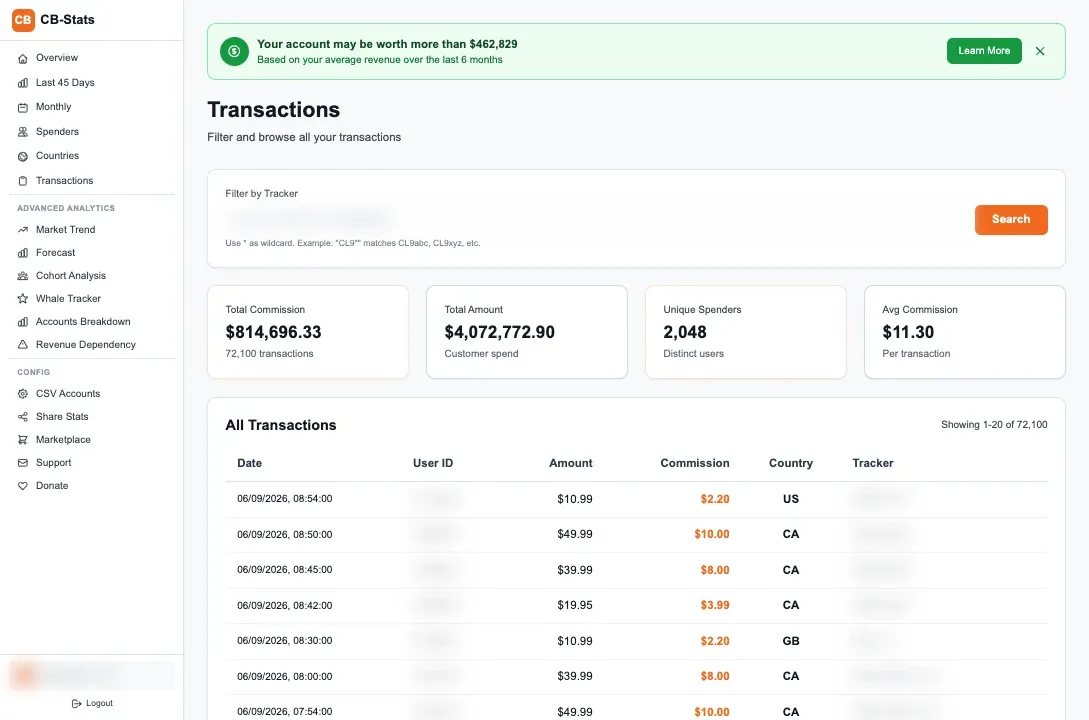
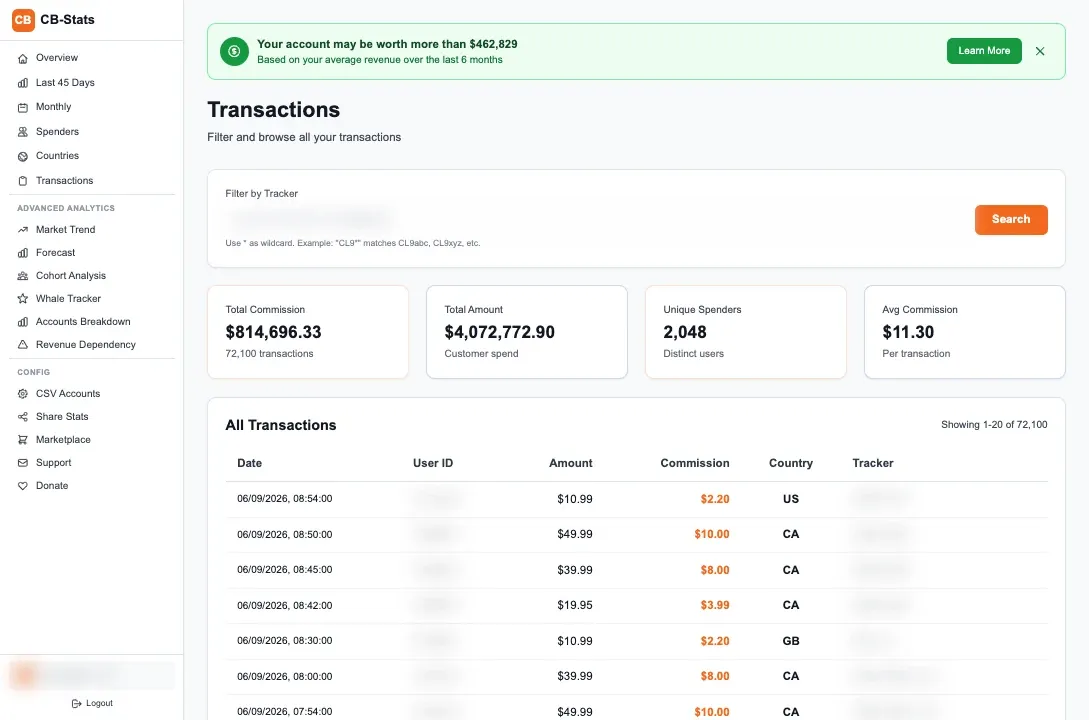
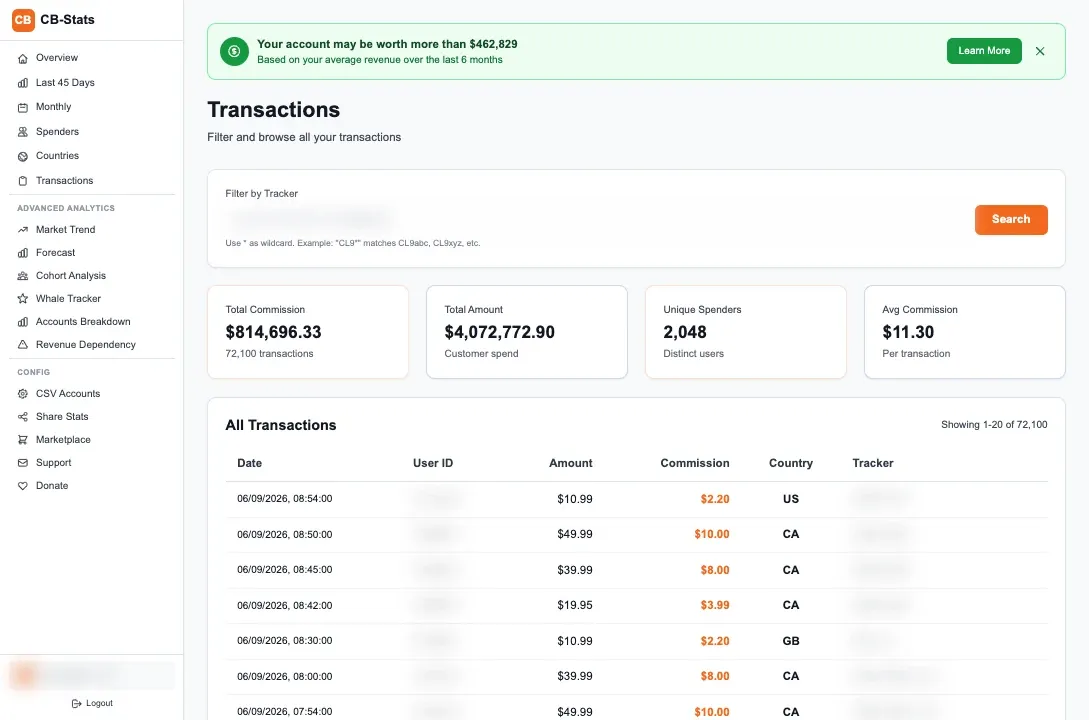
Import your Chaturbate CSV into CB-Stats. The tool automatically calculates how many users per tracker have made at least one purchase. This is your signup-to-spender rate, the number that actually predicts revenue.
The full funnel setup takes about an hour for your first site. After that, adding new pages and links to the tracking system takes seconds, just create a new tracker tag per link. The analytics tracking hub covers the broader tracking infrastructure if you want to go deeper.
Click-to-signup vs signup-to-spender conversion rates
Click-to-signup rates for cam affiliates typically range from 5-15%, while signup-to-spender rates range from 6-12%, and the second number matters 10x more for your bottom line because it determines whether signups turn into commission. I have tracked both rates across my campaigns for 4+ years and the pattern is consistent: traffic sources with high click-to-signup rates often have low signup-to-spender rates, and vice versa.
Traffic source
Click-to-signup rate
Signup-to-spender rate
Net spender rate (per click)
Avg commission/spender/month
SEO (buyer intent keywords)
8-12%
14-20%
1.1-2.4%
$9-$14
SEO (informational keywords)
10-18%
5-8%
0.5-1.4%
$6-$9
Reddit (niche subreddits)
6-10%
3-6%
0.2-0.6%
$5-$8
Twitter/X (organic posts)
4-8%
4-7%
0.2-0.6%
$6-$10
Email newsletter
12-20%
10-16%
1.2-3.2%
$10-$16
Paid display ads
3-6%
2-4%
0.06-0.24%
$4-$7
The table above comes from my own data averaged over 2024-2025. Notice that email newsletter has the best combined funnel: high click-to-signup and high signup-to-spender. That makes sense because newsletter subscribers are an audience that already trusts my recommendations. SEO buyer-intent keywords come second because users are actively researching where to spend money.
Paid display ads look terrible in every column. A 0.06-0.24% net spender rate means you need 400-1,600 clicks to produce one spender. At $0.30-$0.80 per click for adult display ads, that is $120-$1,280 to acquire one spender who generates maybe $6/month in commission. The ROI calculation guide breaks down when paid traffic becomes profitable (spoiler: it takes 12-18 months of revshare accumulation).
TipFocus on signup-to-spender, not click-to-signup
You can inflate click-to-signup rates with aggressive CTAs and misleading copy. But those signups do not spend. The only conversion rate worth optimizing is signup-to-spender, and you improve that by sending higher-intent traffic, not by tricking low-intent visitors into clicking.
Tracking conversions across multiple platforms
Cross-platform conversion tracking requires separate tracker tags and separate data pipelines for each cam site because Chaturbate, Stripchat, and others have completely isolated tracking systems with no data sharing between them. If you promote 3 platforms from the same review page, you need 3 different tracked links and 3 separate analytics processes.
I promote Chaturbate and Stripchat from most of my content. For a page like "Best cam sites for couples," I have 6 tracked links: 2 platforms x 3 link positions (header CTA, in-content mention, bottom CTA). Each link gets its own tracker tag following the same naming convention. In CB-Stats I analyze Chaturbate data. For Stripchat, I use their affiliate dashboard until CB-Stats adds Stripchat CSV support.
The challenge with multi-platform tracking is comparing performance when the data lives in different systems. My workaround is a simple spreadsheet that pulls monthly totals from each platform, grouped by traffic source. This gives me a combined view: "SEO traffic generated $4,200 from Chaturbate and $1,100 from Stripchat in January." Not as granular as single-platform tracking, but enough to make allocation decisions. For the full multi-platform approach, see the traffic sources guide.
Common tracking mistakes that cost money
The 3 tracking mistakes that cost cam affiliates the most money are: not using tracker tags at all, reusing one tag across multiple placements, and optimizing campaigns based on signup volume instead of spender conversion. I made all 3 during my first year and estimate they cost me $8,000-$12,000 in misallocated effort.
Mistake 1: untagged affiliate links
Every untagged link is a black hole in your data. The signup appears in your dashboard but you have zero idea which page, which CTA, or which traffic source produced it. I audited my links 14 months in and found that 40% of my affiliate links had no tracker parameter. Those signups were invisible to any kind of source analysis. It took 2 days to retroactively tag everything and I still lost the historical data from those first 14 months.
Mistake 2: one tracker tag for multiple placements
Using "blog_review" as the tracker for every link on every review page means you know the signup came from "a review page" but not which one, and not which link on the page. When you have 15 review pages and each one has 3-4 affiliate links, that is 45-60 links all blending into a single tracker. You cannot optimize what you cannot distinguish. Use "seo_review-cb_cta1" and "seo_review-sc_cta2" for individual attribution.
Mistake 3: optimizing for signups instead of spenders
I ran a Reddit campaign in 2024 that generated 340 signups in one month. I was thrilled. Then I checked spender conversion 60 days later: 11 spenders out of 340 signups (3.2%). Meanwhile, a single blog post with 28 signups that month had 8 spenders (28.6%). The blog post generated more revenue from 12x fewer signups. If I had judged by signups alone, I would have scaled the Reddit campaign and ignored the blog post.
WarningThe delayed conversion problem
Some signups take 30-60 days to make their first purchase. Judging a traffic source by its 7-day spender conversion will undercount slow-converting sources. I wait at least 45 days before making decisions about a campaign based on spender data. CB-Stats shows first purchase timing by cohort, which helps you calibrate how long to wait per source.
Using tracker parameters for granular attribution
Tracker parameters are free, built into every major cam affiliate program, and they are the only way to connect a $500/month spender back to the specific blog post and CTA button that referred them. I currently maintain 87 active tracker tags across my Chaturbate account, and every tag maps to a specific content piece and link position.
The implementation is simple. When you generate an affiliate link in Chaturbate, add the track= parameter with your custom tag. The tag appears in every transaction row in your CSV export, permanently attached to the referred user. When you import that CSV into CB-Stats, the revenue breakdown by tracker is automatic. You can filter, sort, and compare trackers without any manual spreadsheet work.
The real power of tracker attribution shows up over time. I can look at a tracker tag I created 2 years ago and see its total lifetime revenue, the number of active spenders it produced, their average LTV, and their retention curve. My "seo_compare-cb-sc_cta1" tracker has generated $14,200 in total commission from 34 spenders over 19 months. Knowing that, I can calculate that each spender from that page is worth roughly $418 in lifetime commission, which tells me exactly how much effort that page deserves in maintenance and optimization.
For the complete tracker setup guide including naming conventions, see the affiliate analytics tracking hub. To test which tracker configurations produce the best conversion rates, read the A/B testing guide.
Frequently Asked Questions
What is a good affiliate conversion rate?
For cam affiliate marketing, a good click-to-signup rate is 8-15% and a good signup-to-spender rate is 10-20%. The combined visitor-to-spender rate for high-intent SEO traffic is 1-2.5%. These numbers vary significantly by traffic source. Email traffic converts at 2-3x the rate of social media traffic in my data.
How do I track affiliate conversions for free?
Use tracker parameters built into your affiliate program (free), Google Analytics for click tracking on your site (free), and CB-Stats for spender conversion analysis from your CSV data (free). This combination gives you full-funnel visibility from page visit to paying user without spending a dollar on tracking software.
Why is my signup count high but revenue low?
High signups with low revenue means your traffic has low purchase intent. This is common with social media traffic, display ads, and content targeting users who want free access rather than users ready to buy tokens. Check your signup-to-spender rate by traffic source in CB-Stats. Sources below 5% spender conversion are probably sending low-intent visitors.
How long should I wait before judging a traffic source?
Wait at least 45 days after the first signups arrive before evaluating spender conversion. Some users take 30-60 days to make their first purchase, especially those from informational content. Evaluating at 7 or 14 days will undercount conversions and cause you to kill potentially profitable campaigns too early.
C
About the author
Clement
Founder of CB-Stats, Chaturbate & Stripchat Super affiliate