Table of Contents
Quick answer: The Chaturbate affiliate signup takes under 3 minutes at chaturbate.com/affiliates with no approval process, no traffic minimums, and instant account activation.
Key takeaways
- Registration requires only an email, name, payment method, and a website or traffic source description.
- No approval wait time. Your affiliate account activates immediately after submitting the form.
- You choose your commission model during signup, but you can change it later by contacting support.
- The 20% lifetime revshare model outperforms per-signup bounties for 90% of affiliates.
- Most new affiliates waste their first 30 days on low-intent traffic instead of building content that attracts spenders.
What you need before signing up
- A valid email address (use a dedicated one for affiliate programs, not your personal email)
- Your real name or business name for payment processing
- A website URL, blog, or description of your promotion method (Reddit, Twitter/X, forums)
- A payment method decision: Paxum is the most popular choice among affiliates for its low fees and fast transfers
- Basic understanding of which commission model you want (revshare is the default recommendation)
TipSet up Paxum first
If you do not already have a Paxum account, create one before starting the Chaturbate affiliate signup. Paxum verification takes 1-3 business days and you will want it ready when your first payout arrives. Paxum charges $0 for receiving and $2.50 for bank withdrawals.
Step-by-step Chaturbate affiliate registration
Go to chaturbate.com/affiliates
This is a separate portal from the main Chaturbate site. Do not confuse it with a regular user account or a broadcaster account. The affiliate portal has its own login system.
Click "Sign Up" and fill in account details
Enter your username, email, and password. The username becomes part of your affiliate identity but is not visible to referred users. Pick something you can remember because you will use it to log into the affiliate dashboard.
Provide your website or traffic source
Enter the URL where you plan to promote Chaturbate. If you do not have a site yet, describe your intended promotion method (social media, forums, email). Be honest. Chaturbate rarely rejects applications but they flag accounts that look fraudulent.
Select your commission model
Choose from 20% lifetime revshare, $1.00 per free signup, $50 per qualifying spender, or a hybrid option. Revshare is the right choice for most affiliates. See the section below for a full breakdown of each model.
Enter payment information
Select Paxum, ePayService, wire transfer, or check. You can change this later. For details on each option, see the payment methods guide.
Submit and access your dashboard
After submitting, you land directly in your affiliate dashboard. Your unique campaign ID is assigned immediately. Navigate to the "Links" section to generate your first tracking URL.
Choosing your commission model during signup
| Model | Payout | When to choose it |
|---|---|---|
| 20% revshare | 20% of all token purchases, forever | Default choice. Best for any affiliate planning to stay in the game longer than 3 months. |
| $1.00 per signup | $1.00 per free registration | Only if you drive massive volume of low-intent traffic (pop-unders, redirect traffic). |
| $50 per spender | $50 per user who makes a purchase | Useful if you want predictable cash flow and your traffic converts at high rates. |
| Hybrid ($1 + 20% for 1 year) | $1.00 signup bonus + 20% revshare for 12 months | Compromise option, but the 1-year cap on revshare costs you long-term. |
WarningCommission model changes are not retroactive
If you switch from per-spender to revshare, users referred under the old model stay on that model. Only new referrals going forward use the new commission structure. Choose revshare from the start to avoid this.
Setting up your affiliate dashboard
Generate your first tracking link
Set up tracker segmentation
- Create 1 tracker per traffic source (blog, reddit, twitter, email)
- Create sub-trackers for different placements (blog_sidebar, blog_inline, blog_footer)
- Use descriptive names. You will forget what "camp3" means in 6 months
- Review tracker performance monthly. Kill campaigns that produce signups but zero spenders
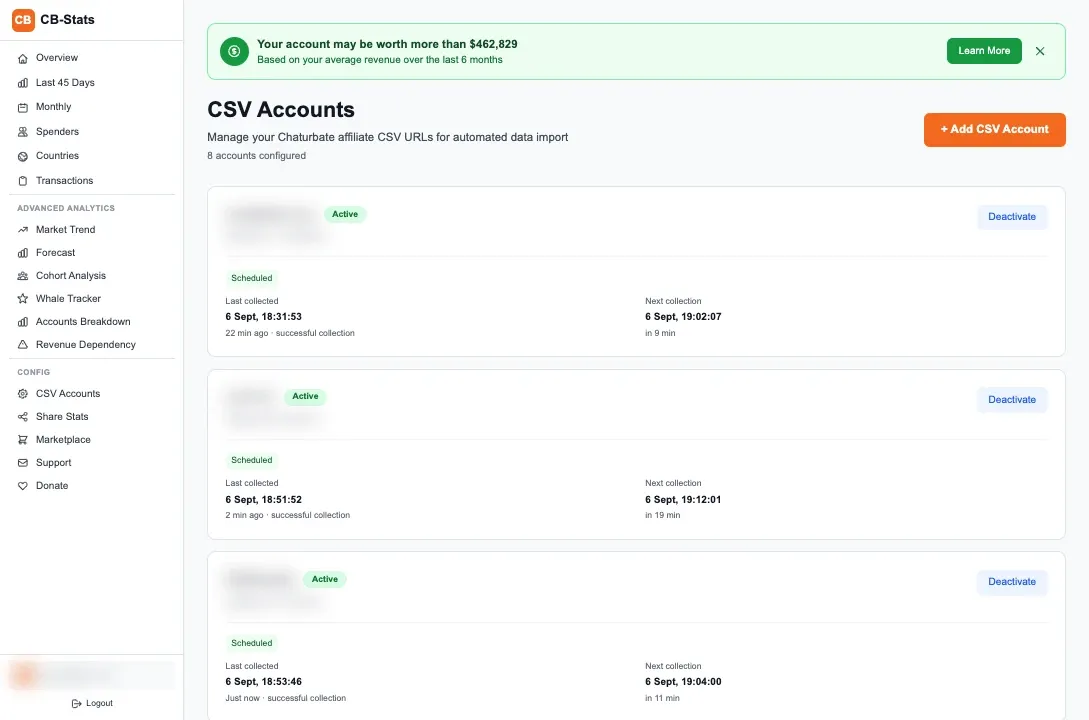
Enable CSV data exports
Common signup mistakes to avoid
- Choosing per-signup ($1.00) because the payout is immediate. Revshare earns 10-50x more over time. A single spender who buys $500 in tokens generates $100 in revshare commission. The $1.00 signup bounty gets you $1.00 regardless.
- Using one tracking link everywhere. Without tracker segmentation, you cannot identify which traffic sources produce revenue and which waste your time. Set up separate trackers from day one.
- Listing a fake website. Chaturbate does check domains occasionally. If your listed site has no content or is a parked domain, your account may get flagged. List your actual site or describe your real traffic method.
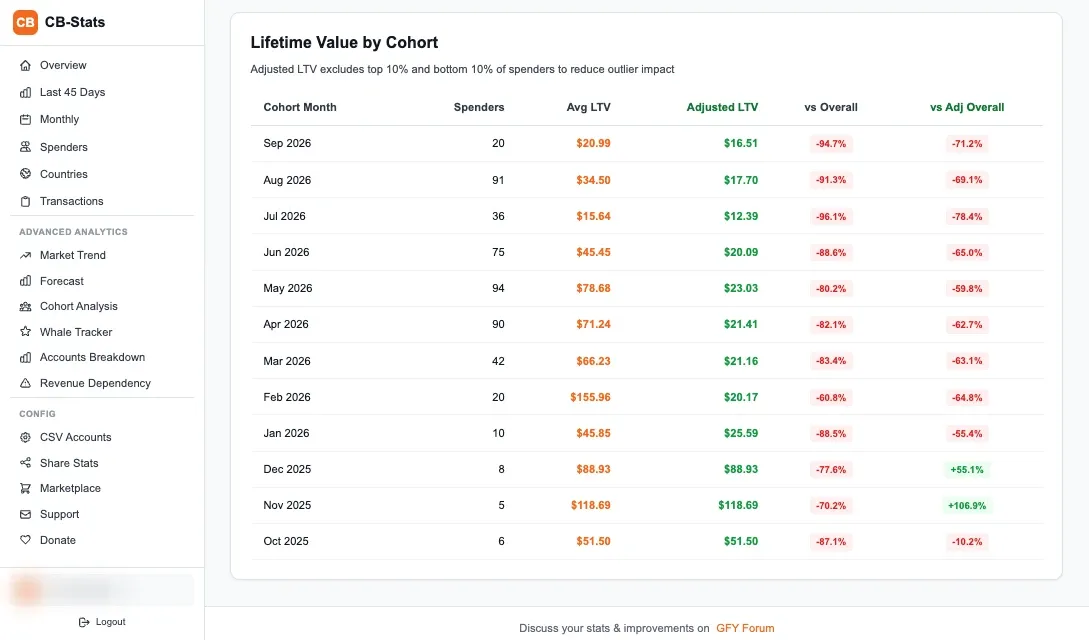
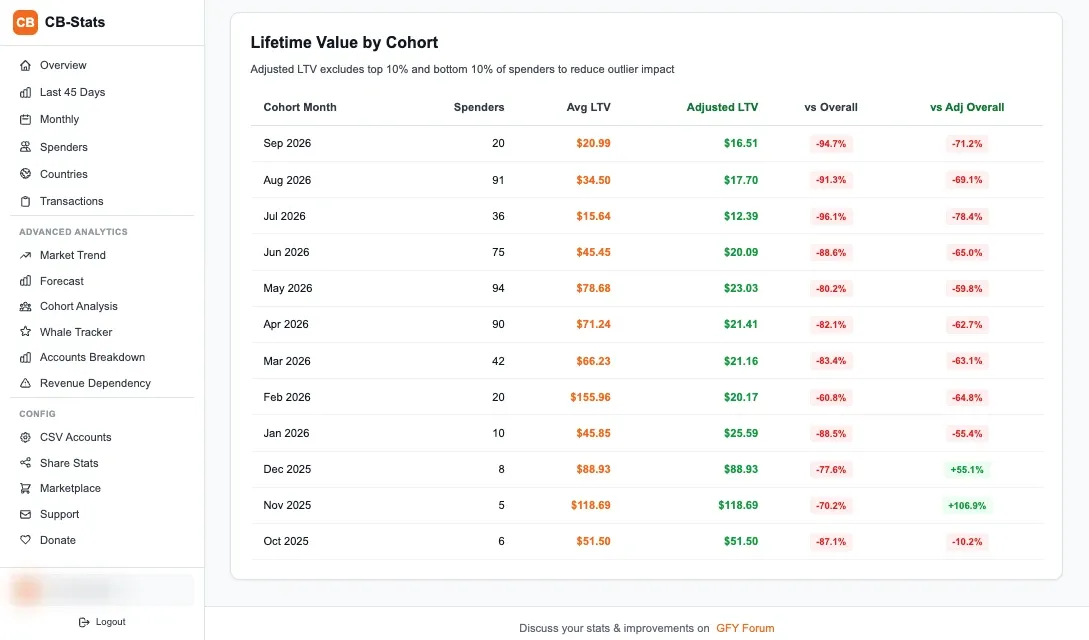
- Ignoring the CSV export setup. The built-in dashboard stats are surface-level. Setting up your CSV export URL immediately gives you access to detailed transaction data you can analyze with CB-Stats or your own tools.
- Creating multiple accounts for the same traffic source. Chaturbate allows multiple accounts but they are meant for separate traffic verticals. Running duplicate accounts for the same traffic violates their TOS.
DataReal cost of the wrong commission model
On one of my accounts, I tracked 847 signups over 6 months on the $1.00 per-signup model. That earned $847. If I had been on revshare, those same signups generated approximately $4,200 in token spending during the same period, which would have been $840 in commission. But the revshare keeps earning. 18 months later, those users had generated over $12,000 in cumulative spending, worth $2,400 in revshare. The $1.00 model capped me at $847.
Your first 30 days as a new affiliate
Week 1: set up your infrastructure
Week 2-3: drive initial traffic
Week 4: analyze and adjust
Chaturbate pays on the 1st and 16th of each month with a 2-week hold period. Your first payout will arrive roughly 4-6 weeks after your first referred spender makes a purchase. The minimum payout threshold is $50 across all payment methods. See the payment methods guide for processing times.
Frequently Asked Questions
How do I register as a Chaturbate affiliate?
Go to chaturbate.com/affiliates and click "Sign Up." Fill in your username, email, password, website URL or traffic source description, commission model preference, and payment method. The account activates immediately with no approval wait. You can generate tracking links within 60 seconds of completing the form.
Do I need a website to sign up as a Chaturbate affiliate?
No. Chaturbate accepts affiliates who promote through social media, forums, email lists, or other channels. During signup you can describe your intended promotion method instead of entering a website URL. Having a website improves your long-term earning potential through SEO, but it is not required to register.
How long does Chaturbate affiliate approval take?
There is no approval process. Your Chaturbate affiliate account activates immediately after you submit the registration form. You can start generating tracking links and promoting within minutes of signing up.
Can I change my commission model after signing up?
Yes, but the change only applies to new referrals going forward. Users referred under your old commission model stay on that model permanently. Contact Chaturbate affiliate support to request a commission model change. This is why choosing 20% revshare from the start is recommended.
How to earn $100 per day through affiliate marketing?
$100 per day in Chaturbate affiliate earnings requires roughly 200-400 active referred spenders on the 20% revshare model. Most affiliates reach this level after 12-18 months of consistent content production and traffic optimization. The compounding nature of lifetime revshare means your monthly revenue grows even without adding new referrals, as existing spenders continue purchasing tokens.