Table of Contents
Key takeaways
- Generate portraits in bulk using consistent traits and randomized prompts.
- Group faces with face_recognition and a stricter tolerance of 0.38.
- Review contact sheets before keeping a group.
In August 2022, Stable Diffusion came out, and by late 2022, early 2023, it was everywhere. A tool that let anyone with a computer and a bit of RAM generate images from open source models found online, especially on Civitai.
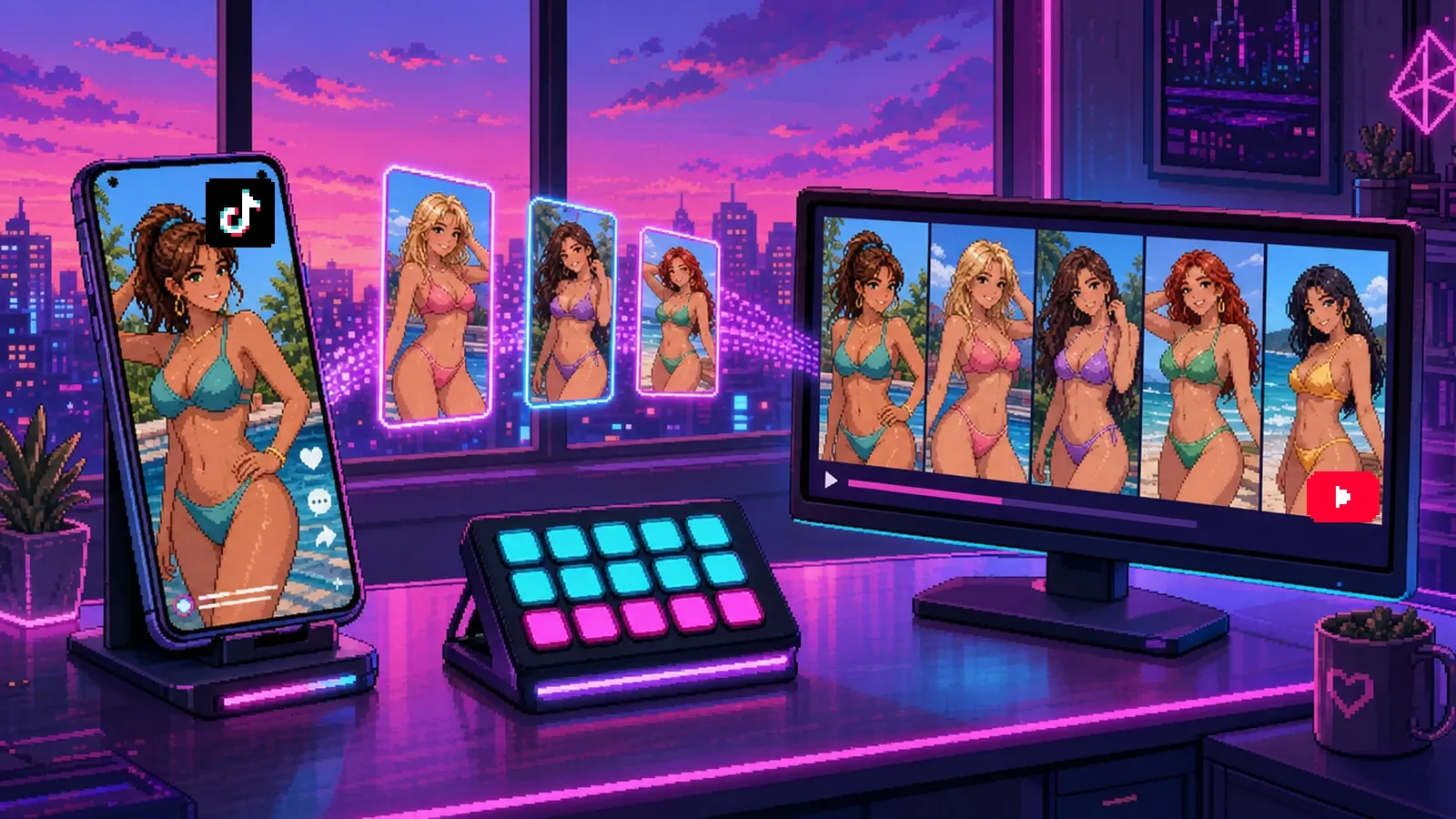
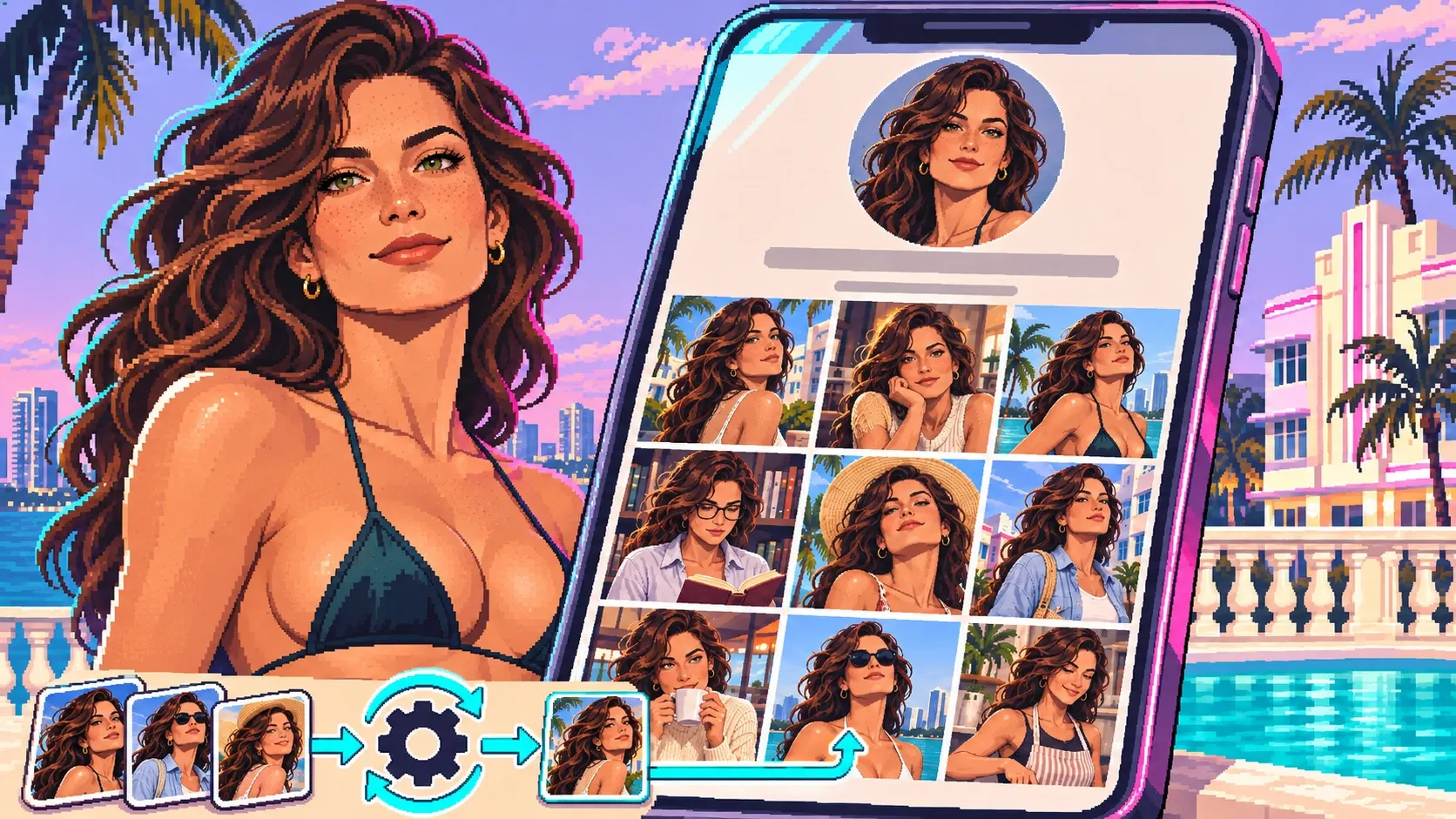
Since I've been working in the online adult industry for years, I saw an opportunity: do some research and build an automation, or at least a workflow, that could produce image packs belonging to one single person. And this was long before the very sophisticated models we have today and all the AI girlfriends.
Keep in mind that 2022-2023 is an eternity in AI history compared to today, in 2026. Back then, Will Smith wasn't even eating his spaghetti in a disgusting way yet. That didn't exist. We were really at the very beginning of generative AI for photos.
In this article, I'm going to explain exactly the workflow I set up to generate these photos. A workflow that could still work today, letting you generate photos for free, straight from your personal computer.
Step 1: Research
To run Stable Diffusion, I had to buy a Mac Studio with an M1 Ultra chip and 64 GB of RAM.
The first step was doing a huge amount of research on:
- the models available on Civitai at the time;
- the samplers, meaning the calculation methods Stable Diffusion uses to generate images;
- the settings, especially:
- the number of steps, which refines the image more or less;
- the CFG, which is basically how closely it follows the prompt you give it.
About the CFG: at 1, it doesn't follow the prompt. It's very creative, but because of that it actually gets a pretty clean result. The higher you push it, the more it follows the prompt, but the more it creates artifacts you won't be able to fix, because it has too many input variables to produce something clean.
Here's the setup I ended up with:
- Photorealistic models: Realistic Vision V2.0, picxReal and a homemade merge (CustomMerge3)
- Sampler: DPM++ 2M Karras
- Settings: CFG between 7 and 10, 22 to 32 steps
- Extensions:
- Wildcards and Dynamic Prompts, to randomize prompts;
- ControlNet and OpenPose Editor, plus a pack of Instagram poses (instagramPoses_v10);
- Ultimate SD Upscale, to enlarge the final images.
The theory: generate in bulk, then group
My theory came from the SEO world. To generate the same person twice without a one-click face swap tool (which didn't exist yet: Roop, the first one, only showed up at the end of May 2023), those two people had to look alike. But it doesn't stop there: two people who look alike don't necessarily have the same hair length, or the same eyes, etc. So it was really hard.
In my head, I thought: I'm going to generate thousands of photos, and from those thousands of photos, I'll find clusters. A Python algorithm will identify the ones that look the most alike and group them into batches, right on my computer.
How do you create several girls who look alike?
You work with the traits that define a person:
- her age;
- the shape of her face;
- the shape of her eyes, nose and lips;
- the size and shape of her eyebrows;
- her hair: short or long, black or not, curly or not;
- possibly her body: bust size, hip size, skin color, etc.
I also had to find a style, because back then the AI look was super easy to spot. So the goal was to download what are called LoRAs. LoRAs are mini-trainings done on a small set of predefined photos. At the time, some free LoRAs were available, including "Instagram" LoRAs. They could imitate someone taking a selfie, striking a pose, giving a little smile… Basically, something that made the photos look much more natural and much more amateur.
Industrialization
Once I'd run a few tests, I moved on to industrialization. How does it work? You launch text-to-image batches, with a prompt built entirely on wildcards, so sets of photos. The idea: generate a thousand photos of a girl with the same traits.
Behind that, I developed Python scripts. And again, back then AI wasn't developed enough to write a small script from A to Z. I had to do it by hand, with Stack Overflow, grabbing snippets of code and trying to figure out which libraries to use.
Basically, the script worked like this:
- A Watchdog monitored the folders where the images landed.
- Once it hit 1,000 images, it moved them into a "model 1" folder, then "model 2", "model 3"… depending on the traits I'd put in the bulk prompts.
- Once the 1,000 images were moved, it launched the facial analysis.
Facial analysis
The facial analysis ran on a Python library called face_recognition, based on dlib, which I'd found online.
First filter: check that the image actually contained a face. Back then, the AI would sometimes hallucinate and just not create a face despite the prompt. It happened way more often than now. We forget it quickly, but AI three years ago was absolutely disgusting.
Next, the script encodes each face into a 128-dimension vector to record its facial fingerprint. Once all the fingerprints are recorded, it compares them using compare_faces.
That's where tolerance comes in, ranging from 0 to 1:
- 0 means zero tolerance: very strict. If two faces aren't strictly identical, they don't match.
- 1 is the opposite: every face is considered a match, even with a completely different hair color.
The library defaults to 0.6. I lowered it to 0.38. And that gave me something that grouped faces into girls who looked extremely alike.
Final sorting
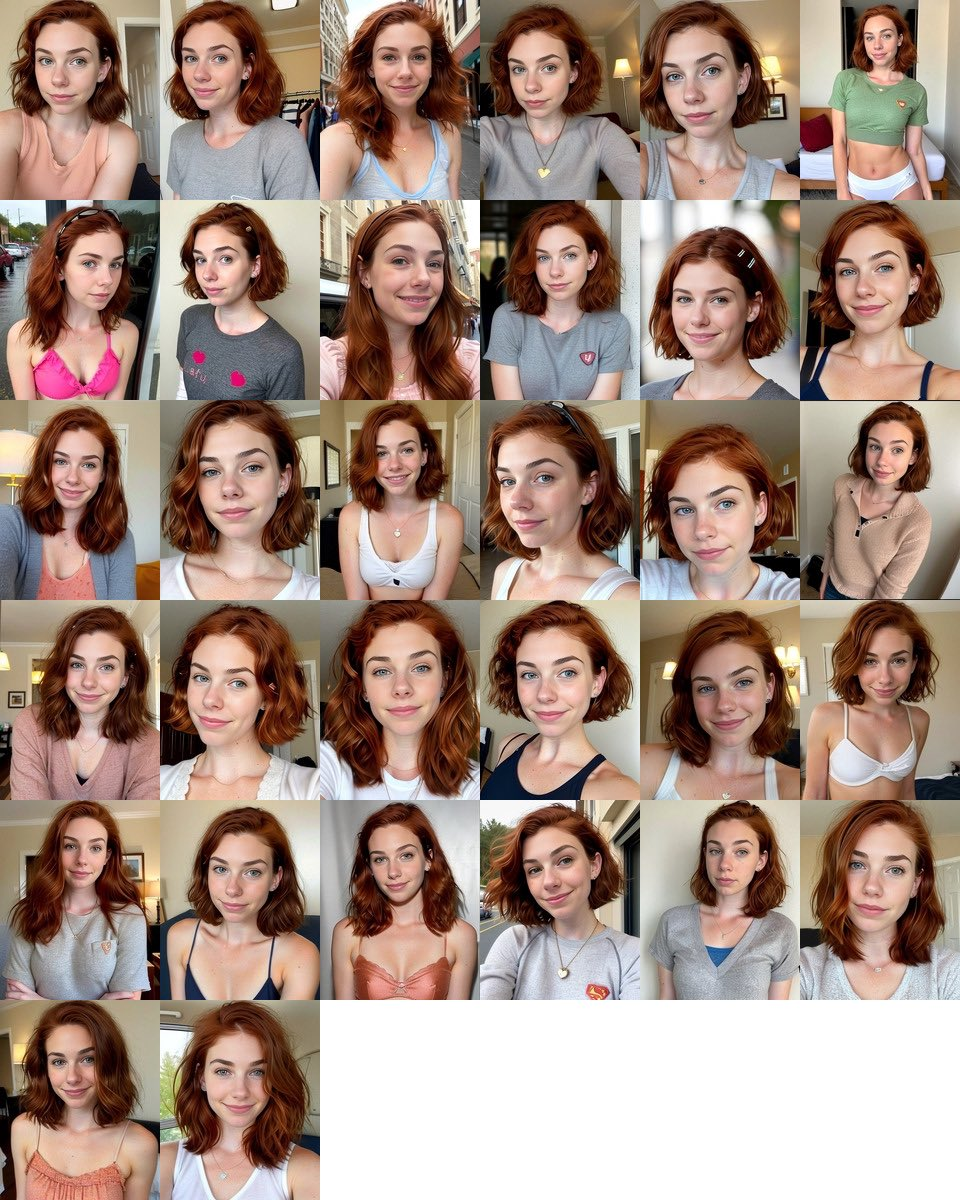
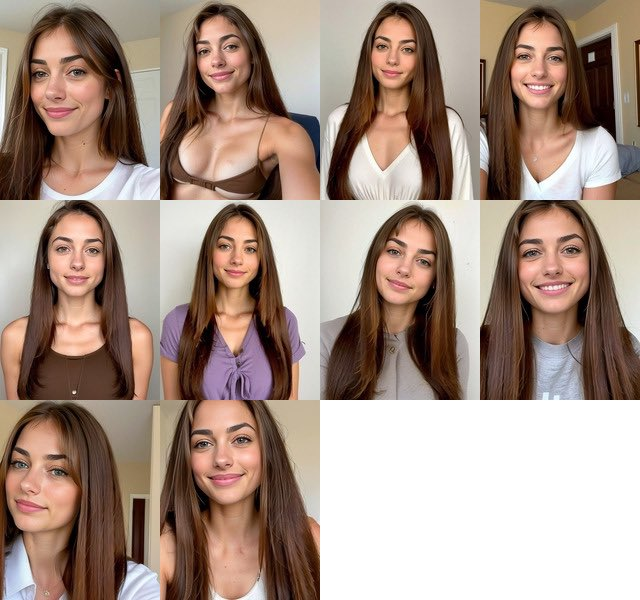
Since there were so many photos, a single group of 1,000 sometimes ended up with several batches. The goal was batches of at least ten images. So I'd get several folders, each with at least 10 images of the same girl, but different girls from one folder to the next.
Everything was automatically sorted on the computer. All I had left to do was open the folders and look at the contact sheets. The script automatically created a sheet with all the faces, which gave me an overview and let me see whether the result was convincing or not.
Conclusion
This was way before the tools we know today, which can do face swaps and keep exactly the same face, with Seedream, Seedance, etc. To put it in perspective:
- August 2022: Stable Diffusion is released.
- Late 2022 – early 2023: I start building this workflow.
- March 2023: the infamous Will Smith spaghetti video goes viral.
- End of May 2023: Roop comes out, the first one-click face swap from a single photo.
- December 2023 – January 2024: IP-Adapter FaceID and InstantID arrive, and keeping the same face across generations finally becomes easy.
So I had a good few months of head start on one-click face swap, and about a year on real face consistency.
But it was still an incredible experience. I told myself I was the first person able to create consistent AI profiles. Technically, with that many photos, nobody could tell these images were fake. Back then, the only way to spot an AI image was that it only existed once: on an Instagram profile, for example, one photo showed one girl, and the next one showed a different girl.
This method could have been used to create complete Instagram profiles. But after six months of working on it, a bit of mental burnout kicked in. And honestly, chasing monetization was a lot less sexy than figuring out how to make this work perfectly and fully automated.