
Table of Contents
Definition
Split testing (A/B testing) is the practice of running two or more variations of a page, link, or creative simultaneously to determine which version produces better affiliate results.
Quick answer: Split testing runs two versions of a page or link at the same time and measures which one performs better. It is the fastest way to increase earnings from your existing traffic.
Key takeaways
- Test one variable at a time or your results mean nothing
- You need at least 100 conversions per variation before drawing conclusions
- The biggest wins come from testing offers and landing pages, not button colors
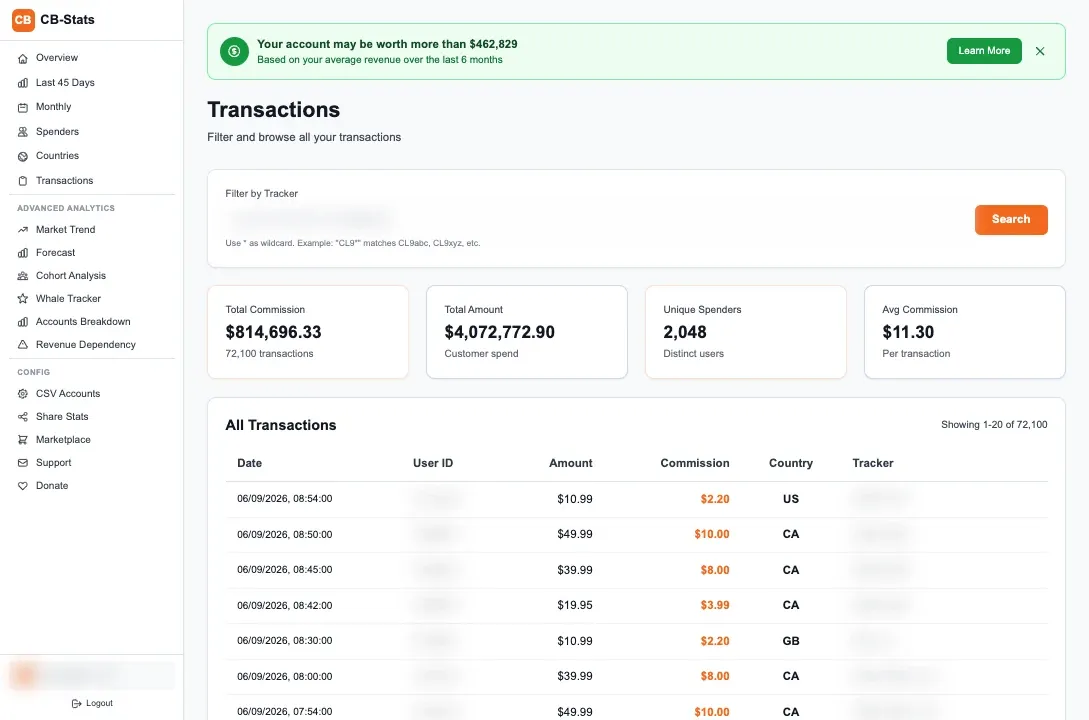
- Use different Chaturbate trackers for each variation so CB-Stats can show revenue per version
What split testing means for affiliates
How to set up a split test for cam affiliate links
Create two tracker codes
In your affiliate dashboard, create tracker-a and tracker-b for the same campaign.
Build two versions
Change only one element between versions. Same traffic source, same audience, one difference.
Split your traffic evenly
Use a redirect tool, alternating links, or 50/50 traffic splitting in your ad platform.
Wait for enough data
Run the test until each version has at least 100 clicks and ideally 20+ conversions.
Pick the winner and iterate
Keep the better version, then test the next variable against it.
Common split testing mistakes
Related articles


Frequently Asked Questions
How long should I run a split test?
Run until each variation has at least 100 clicks and 20 conversions. For most cam affiliates, this takes 1-3 weeks depending on traffic volume. Ending a test too early gives you unreliable results that can hurt performance.
What should I split test first?
Start with the highest-impact elements: which offer or cam site you promote, then your landing page headline, then your call to action. Button colors and font sizes rarely move the needle. Focus on the big stuff first.
Do I need special software for split testing?
Not necessarily. The simplest approach is creating two Chaturbate tracker links and alternating them manually or using a free redirect tool. For more sophisticated tests, tools like Google Optimize (free) or simple JavaScript-based splitters work well.